
Every module in ArchiOffice Online has a search function that you can use to locate records matching specific search criteria. With the Task Search Request screen you can perform a search for task using any combination of criteria.
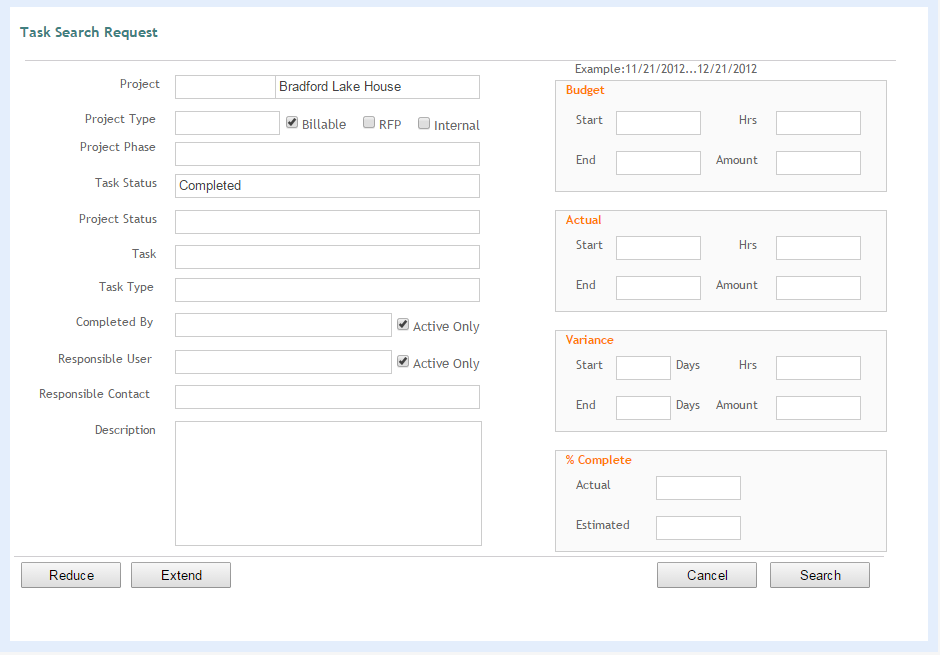
Reduce
Remove additional search criteria.
Extend
Adds additional search criteria.
Cancel
Cancels the search.
Search
Click to execute the search after entering your search criteria. Keep in mind that the search will return a found set, and you can enter as many search requests as necessary before executing the Find.
Active Only:
Mark this check box to retrieve tasks of and completed by active users only.